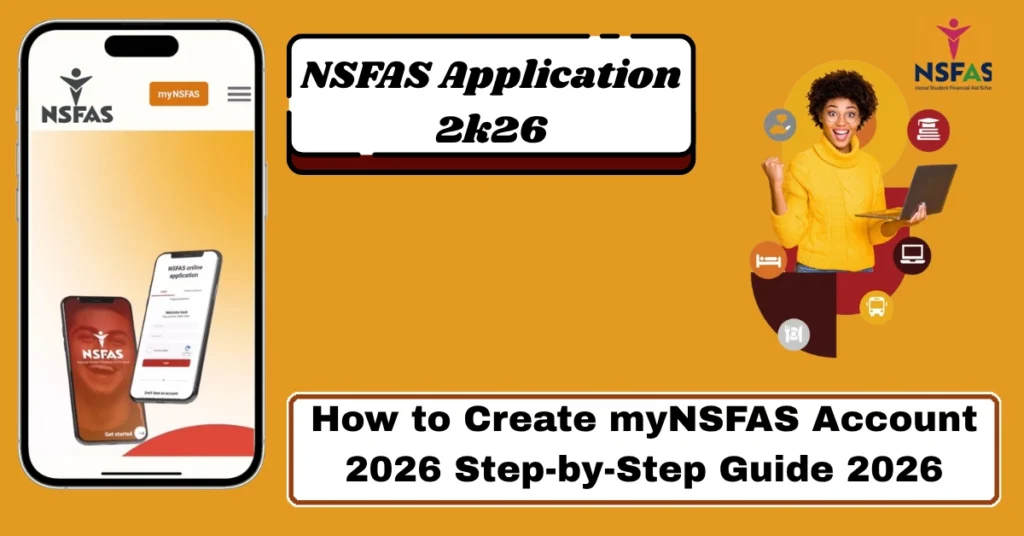
How to Create myNSFAS Account 2026 Step-by-Step Guide 2026
Creating a NSFAS account is the first essential step for students who want to apply for funding through the National Student Financial Aid Scheme (NSFAS). Without this account, you cannot apply for financial aid, upload documents, or track your application status.
This guide explains everything in a clear, structured, and detailed way so you can register without confusion and avoid common mistakes. Learn how to create myNSFAS account in 2026 step by step. Simple registration guide, OTP verification, login setup, and fixes for common errors quickly.
What is a myNSFAS Account?
A myNSFAS account is an official online profile created on the NSFAS system. It works as your personal student funding dashboard where all application activities are managed.
Through this account, you can:
Submit your NSFAS funding application
Upload required documents safely
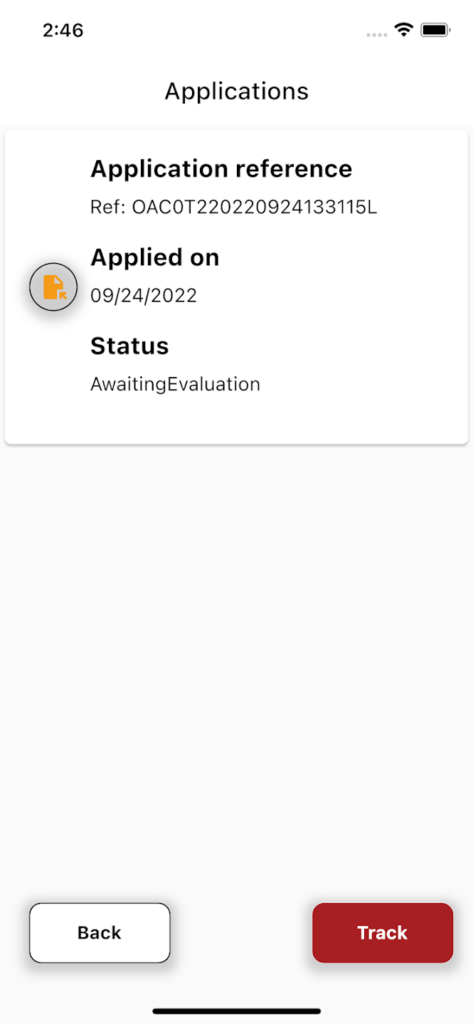
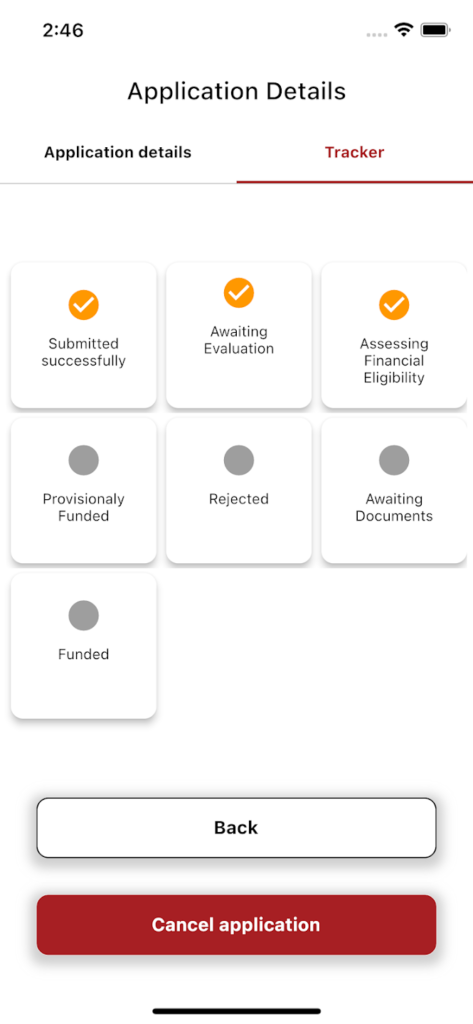
Track application progress and results
Receive important NSFAS notifications
Manage your personal and academic information
Without this account, the entire NSFAS application process cannot be completed online.
Who is Eligible to Create myNSFAS Account?
Before creating an account, you must meet basic eligibility requirements:
Must be a South African citizen
Must have a valid South African ID number
Must be planning to study or already studying at a public university or TVET college
Household income must meet NSFAS funding criteria
Must have a valid email address and cellphone number
Meeting these requirements ensures your application can be processed successfully.
Documents You Need Before Registration
To avoid delays, keep the following ready:
Having these ready will make the registration faster and smoother.
Step-by-Step Process to Create NSFAS Account
Visit the Official NSFAS Website
Go to Official Website using a secure browser.
Open the myNSFAS Section
Click on the myNSFAS tab or select the Create Account option on the homepage.
Start New Registration
Select “Register” or “Create Account” to begin.
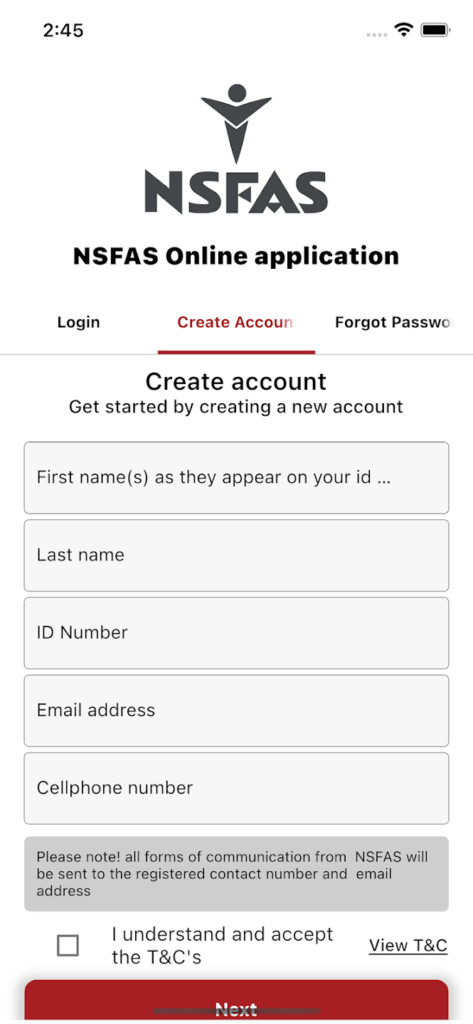
Fill in Personal Information
Enter your details carefully:
1.Full name and surname exactly as on your ID
2.ID number
3.Email address
4.Cellphone number
5.Username of your choice
Incorrect details may cause verification failure.
Create Login Password
Set a strong password using:
1.Uppercase letters
2.Lowercase letters
3.Numbers
4.Special characters
Confirm your password before proceeding.
Accept Terms and Conditions
Read and agree to NSFAS terms before continuing.
Complete CAPTCHA Verification
This step ensures you are a real user and not a bot.
Verify Your Account Using OTP
NSFAS will send a One-Time Pin to your email or phone. Enter it on the website to verify your identity.
Account Activation
Once verified, your myNSFAS account becomes active and ready to use.
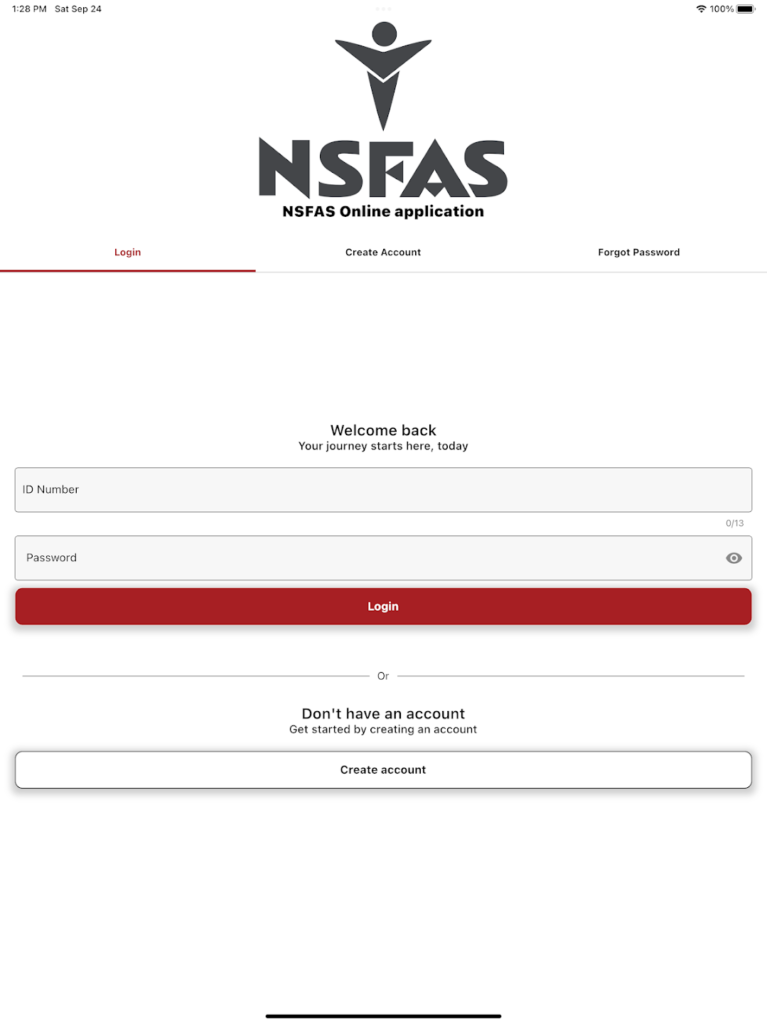
How Email and Phone Verification Works
NSFAS uses OTP (One-Time Password) verification to protect your account.
Common Mistakes During Account Creation
Many students face issues due to small errors:
Even a small spelling mistake can block verification.
ID must match official government records exactly.
Simple passwords may be rejected or unsafe.
Each email can only be linked to one account.
Expired OTP must be resent and entered again.
Why Some Students Fail Registration
Account creation may fail due to:
Understanding these issues helps you avoid delays.
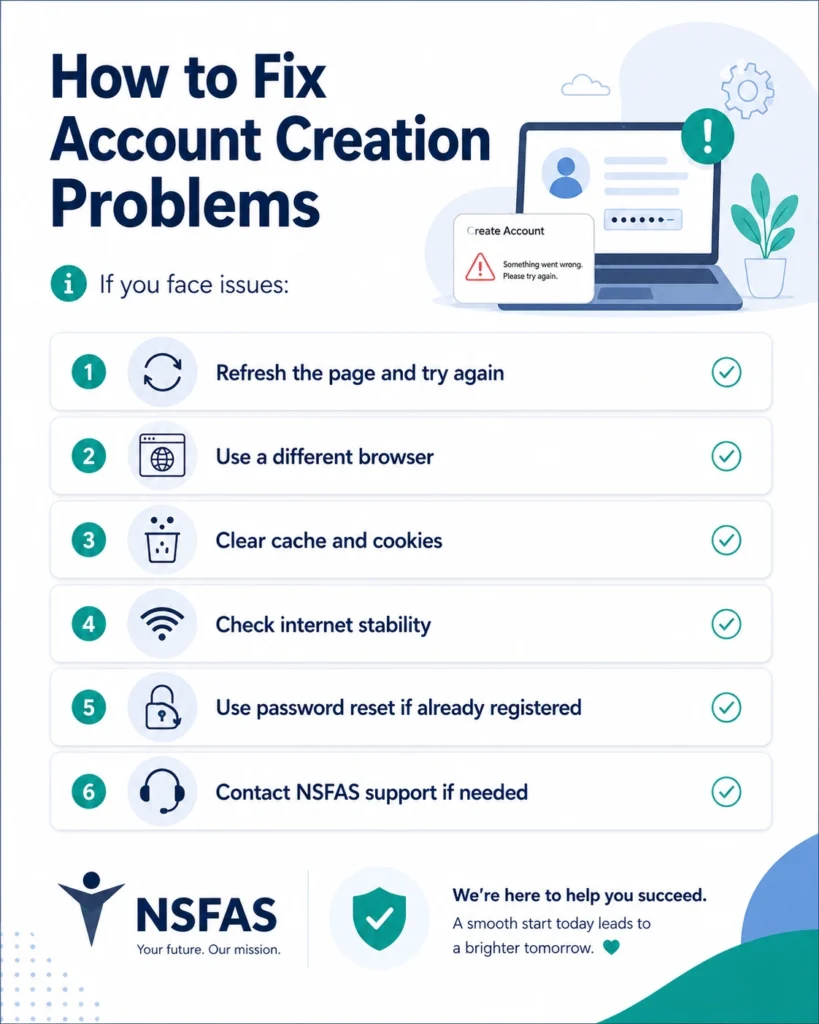
How to Fix Account Creation Problems
If you face issues:
Refresh the page and try again
Use a different browser
Clear cache and cookies
Check internet stability
Use password reset if already registered
Contact NSFAS support if needed
Tips for Successful Registration
After Creating Your myNSFAS Account
Once you Create myNSFAS Account and now account is active, you can:
Log in anytime to check status
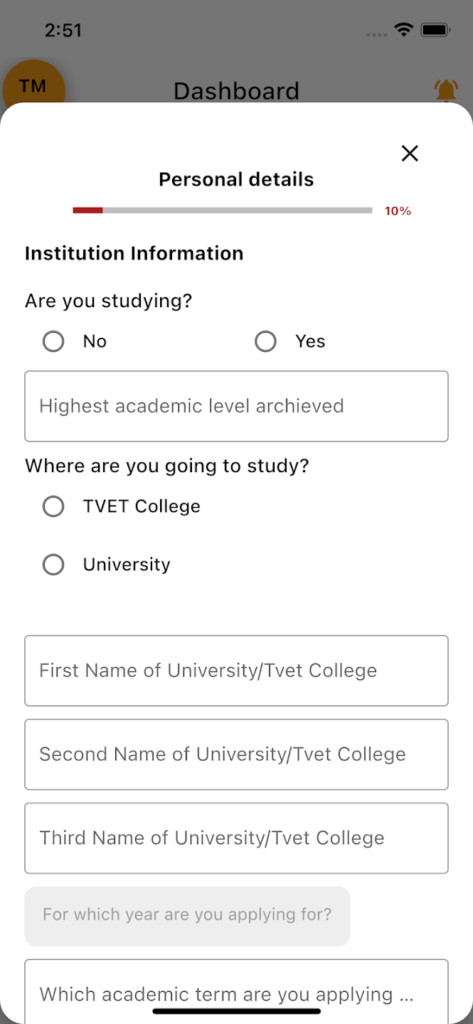
Start your funding application
Upload required documents
Receive updates and messages from NSFAS
Track approval or rejection results
Importance of Keeping Your Account Updated
Keeping your account information updated ensures:
Always update your email, phone number, and personal details when needed.
Security Tips for myNSFAS Users
To protect your account:
Frequently Asked Questions About Create myNSFAS Account
Final Words:
Create myNSFAS Account is a simple but very important step for any student applying for financial aid in South Africa. Once registered correctly, you gain full control over your application process, document uploads, and funding updates.
By following the correct steps, avoiding common mistakes, and keeping your details updated, you can complete the process smoothly and improve your chances of successful funding approval.