NSFAS Status Check 2026: Track Application, Funding & Update
Students who have applied for National Student Financial Aid Scheme (NSFAS) funding need to monitor their application progress regularly. Tracking your application helps you identify pending actions, missing information, approval updates, registration verification, allowance processing, and appeal outcomes.
Whether you are a first-time applicant or a returning beneficiary, NSFAS provides several ways to view your application progress, including the myNSFAS portal, WhatsApp service, and USSD access for students without internet connectivity.
This guide explains every available method, the meaning of each NSFAS Status Check and update, common issues, appeals, allowances, and solutions to application delays. NSFAS Status Check 2026 helps you track your application status online, WhatsApp or USSD, view funding updates, approval progress and results instantly now.
Why NSFAS Status Check Matters
Monitoring your application helps you:
Confirm successful submission
Detect missing documents early
Follow verification progress
Know when funding has been approved
Track Registration confirmation
Monitor allowance payments
Identify appeal opportunities if rejected
Regular NSFAS Status Check can prevent unnecessary delays in receiving funding support.
Methods to Check NSFAS Application Status
Students can verify their NSFAS application using three primary methods:
Each option serves different accessibility needs.
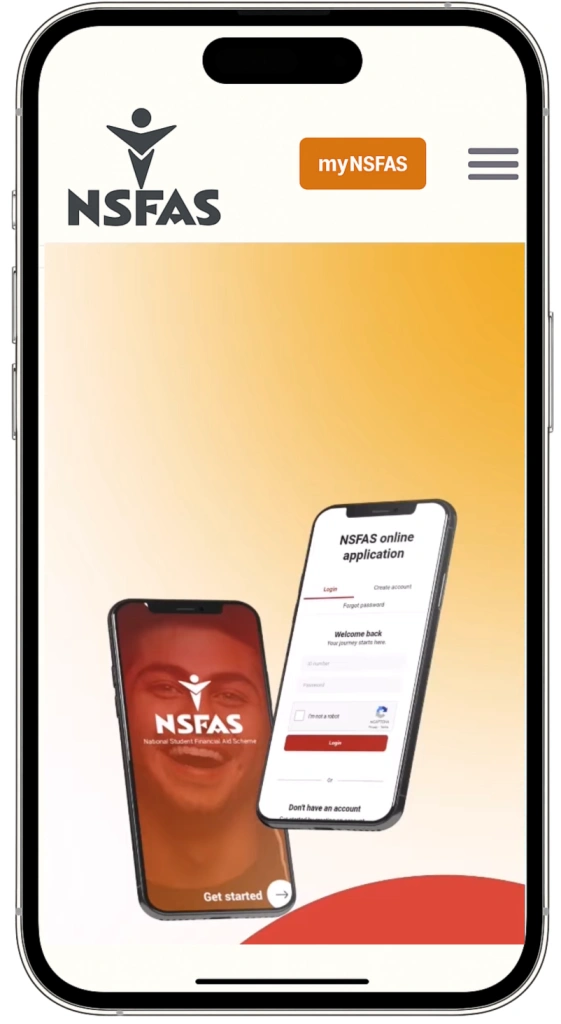
Method 1: NSFAS Status Check Through the myNSFAS Portal
The online portal remains the most detailed source of application information.
Steps to Follow
Visit the official NSFAS website.
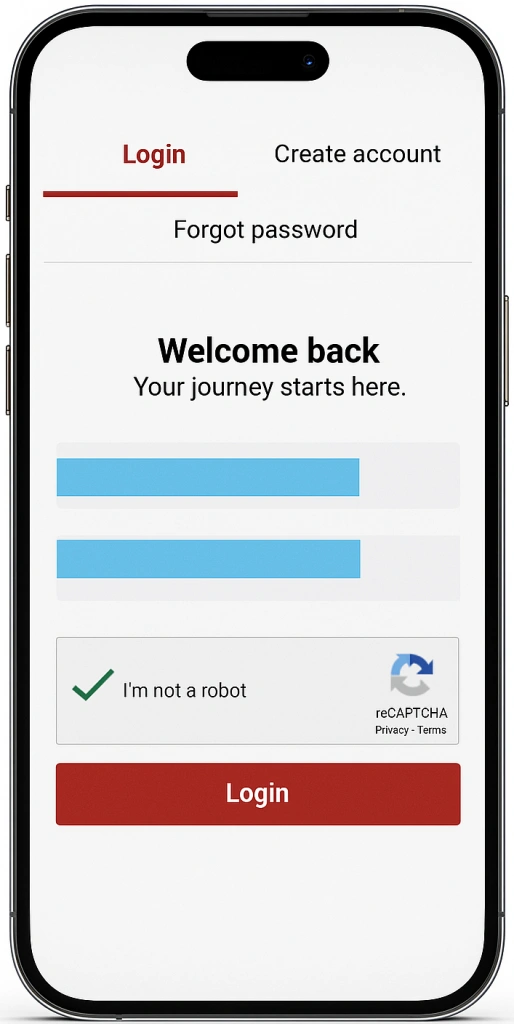
Open the myNSFAS login page.
Sign in using your ID number, email, or username.
Enter your password.
Access your dashboard.
Select “Application Status” or “Track Funding Progress.”
Review the latest update displayed on your profile.
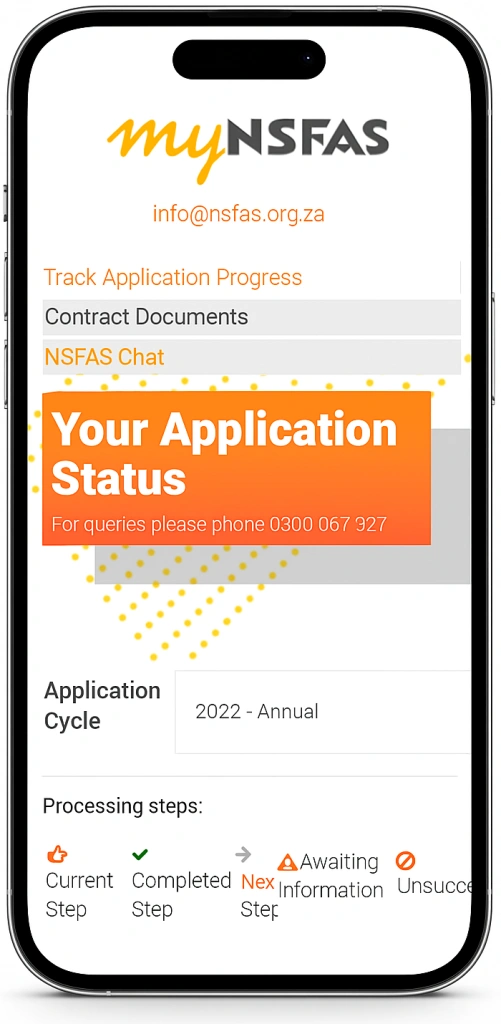
The portal provides the most comprehensive information, including document requests, funding decisions, registration updates, and appeal notifications.
Method 2: NSFAS WhatsApp Status Check
Students can also obtain funding updates using the official NSFAS WhatsApp support channel.
WhatsApp Number
+27 78 519 8006
How to Use WhatsApp
Save the number on your device.
Open WhatsApp.
Send a message such as:
Hi; Status & Track Application.
Follow the automated prompts.
Provide your South African ID number when requested.
Receive your current application progress instantly.
Advantages of WhatsApp
Method 3: NSFAS USSD Status Check
Students without internet access can use the NSFAS USSD service.
USSD Code
*120*67327#
Steps
Dial the code from your mobile phone.
Wait for the menu options to load.
Select the status enquiry option.
Enter your ID number.
Submit the document.
View your current NSFAS update on-screen.
Benefits of USSD
NSFAS Status Check Meanings Explained
| Application Submitted | NSFAS has received your application and added it to the review queue. | Wait for the next update. |
| Filtering | Initial screening is underway to confirm you meet basic requirements. | No action required. |
| Validation | Your personal information is being checked against government databases. | Ensure your details are accurate. |
| Evaluation | Financial and academic eligibility assessments are being conducted. | Monitor your account regularly. |
| Funding Eligibility | Preliminary checks show you may qualify for funding. | Await final verification. |
| Awaiting Academic Results | NSFAS is waiting for your academic records. | Confirm your institution has submitted results. |
| Awaiting Registration | Your university or TVET college has not yet confirmed registration. | Contact your institution if delays continue. |
| Provisionally Funded | You meet funding requirements, but final confirmation is still pending. | Complete registration and submit any outstanding information. |
| Approved | Your funding has been fully approved. | Prepare for funding and allowance processing. |
| Payment Processing | NSFAS is releasing funds and allowances. | Keep your payment details updated. |
| Unsuccessful | Your application did not meet one or more requirements. | Review the reason and submit an appeal if eligible. |
What Does Provisionally Funded Mean?
Many students see “Provisionally Funded” and assume funding is complete. In reality, this NSFAS Status Check means:
Once all requirements are satisfied, the status usually changes to “Funded” or “Approved.”
How to Track NSFAS Payment Delays and Wallet Balance in Real-Time
Even after approval, many students wonder why their allowances haven’t been deposited or how much money they have remaining for the month. NSFAS provides tools to track your payments efficiently:
Using the NSFAS Wallet (Celbux)
Visit the Celbux portal
Log in with your phone number and password.
Check balances for meal, transport, book, and personal allowances.
View recent transactions and past withdrawals.
Using USSD
Reasons for Payment Delays
Tips to Ensure Timely Payments
By giving students real-time insights into their NSFAS allowances, this section addresses a frequently searched question that competitors often miss, improving the article’s relevance and ranking potential.
How to Appeal a Rejected NSFAS Application
Applicants who believe their rejection was incorrect may request a review.
Appeal Process
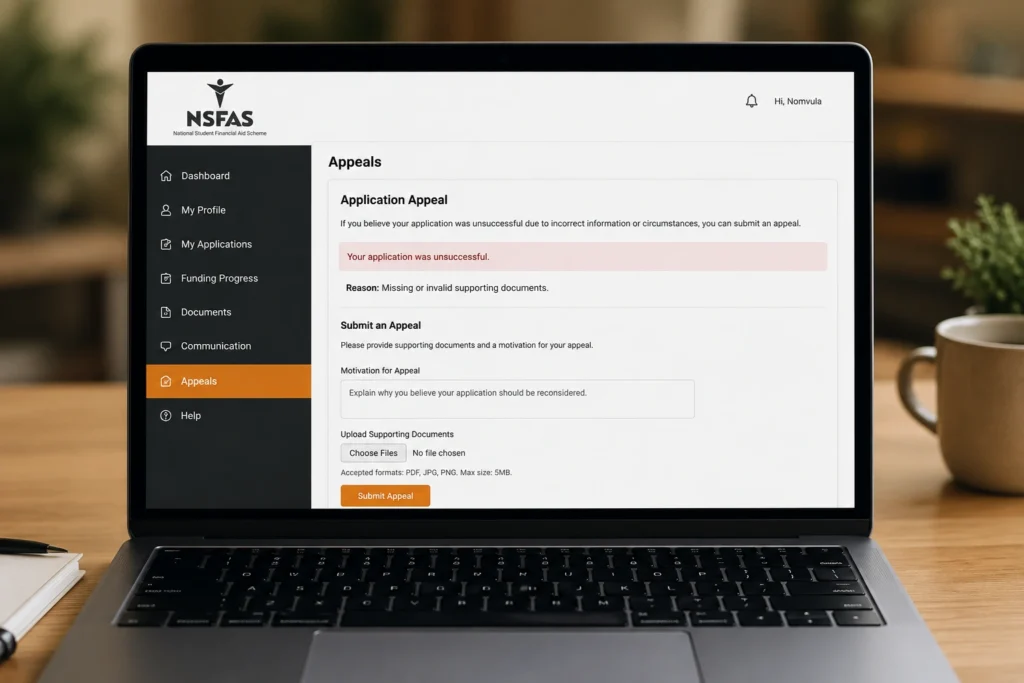
Log into your myNSFAS account.
Navigate to the Appeals section.
Review the rejection reason.
Upload supporting evidence.
Submit the appeal before the deadline.
Supporting Documents May Include
Income verification
Affidavits
Academic record
Medical reports
Death certificates
Unemployment confirmation
Appeal outcomes are normally communicated through the NSFAS portal.
NSFAS Allowances and Funding Coverage
Approved students may receive support for:
Allowance structures vary depending on institution type and student circumstances.
Common NSFAS Status Problems and Solutions
| Problem | Recommended Solution |
| Status not updating | Wait several days and check again |
| Login failure | Reset your password |
| Missing documents request | Upload certified copies immediately |
| Registration delay | Contact your institution |
| Incorrect personal details | Update information through NSFAS |
| Rejection notice | Submit an appeal if eligible |
Tips for Faster NSFAS Processing
Frequently Asked Questions
Final Thoughts:
Keeping track of your NSFAS application is one of the most important steps in securing financial support for your studies. Whether you use the online portal, WhatsApp service, or USSD option, staying informed allows you to react quickly to document requests, registration requirements, and funding decisions.
By understanding every NSFAS Status Check update and taking action when necessary, you can avoid delays and improve your chances of receiving funding successfully for the 2026 academic year.